KEY HIGHLIGHTS
- The EZ-Link app will stop working in Singapore in 2026, affecting millions of commuters.
- Users must sync their EZ-Link cards to SimplyGo to keep digital access to balances and trips.
- Syncing is free, Singpass-secured, and avoids last-minute travel issues.
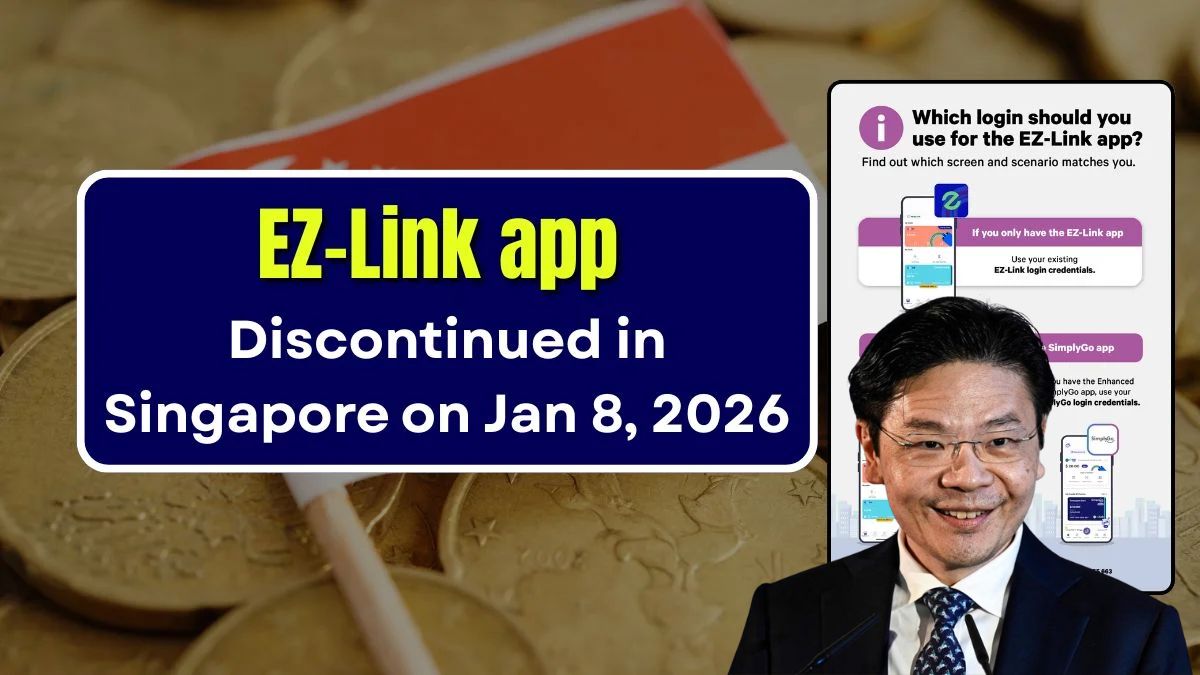
The EZ-Link app will be discontinued in Singapore in 2026, as part of the Government’s move towards a single, more secure transport payments system. If you still use the app to check balances, top up, or review trips, this is something you should act on early — not the week before it shuts down.
For most Singaporeans, this isn’t about losing money. It’s about avoiding unnecessary inconvenience when travelling to work, school, or home.

| Item | What Changes | What Stays the Same |
|---|---|---|
| EZ-Link App | Fully discontinued in 2026 | ❌ |
| EZ-Link Physical Card | Still usable for travel | ✅ |
| Balance & Stored Value | Must be synced to SimplyGo | ✅ |
| Mobile App Management | Moves to SimplyGo only | ✅ |
| Syncing Cost | S$0 | ✅ |
Why the EZ-Link App Is Being Phased Out
This move supports Singapore’s long-term transport digitalisation plan. Instead of maintaining multiple systems that do similar things, fare management is being streamlined into one main platform.
The focus is on better security, real-time fare tracking, and stronger integration with bank cards and mobile wallets. SimplyGo already supports contactless debit cards, credit cards, and mobile payments — so consolidating makes sense operationally.
Honestly speaking, this reduces system duplication and lowers cyber risk, which is critical when millions of daily transactions are involved.
Who Needs to Take Action Before 2026?
You’re affected if you currently rely on the EZ-Link app for any of the following:
- Checking EZ-Link card balances
- Mobile top-ups
- Viewing travel history
- Managing concession or stored-value passes
If you do nothing, your physical card will still work for travel. But digital access to balances and transaction records may be disrupted, which can be frustrating — especially if you need records for claims or tracking expenses.
How to Sync Your EZ-Link Card to SimplyGo (Step-by-Step)
No need to overthink this. The process is straightforward and takes just a few minutes.
Step 1: Install the SimplyGo App
Download the SimplyGo app from the Apple App Store or Google Play Store.
Step 2: Log In Using Singpass
Singpass verification ensures your data and card details stay protected.
Step 3: Add Your EZ-Link Card
Key in your EZ-Link card number to link it to your account.
Step 4: Check Balance and Trip Records
Confirm that your stored value, concession status, and recent trips appear correctly.
Step 5: Turn On Alerts
Enable balance and fare notifications so you don’t get caught with insufficient funds during peak hours.
What About Money Safety and Data Security?
From a financial and regulatory standpoint, this transition follows Singapore’s strict standards.
Stored-value balances remain protected under national payment regulations. Personal data handling follows PDPA requirements, and government-backed transport systems significantly reduce fraud risk.
Syncing early helps avoid issues like delayed refunds, missing records, or temporary access problems — all common pain points in digital finance.
Worth Doing Now or Later?
For most Singaporeans, doing it early just makes life easier. You avoid the rush closer to 2026, reduce stress, and ensure smooth daily travel without surprises.
Frequently Asked Questions
Will I lose my EZ-Link balance after 2026?
No. Your stored value remains safe. Syncing is needed only to continue managing it digitally.
Is SimplyGo compulsory for everyone?
For app-based tracking and management, yes. Physical EZ-Link cards still work, but app features move fully to SimplyGo.
Do students and seniors need to sync too?
Yes. Concession cards are supported, and existing eligibility rules continue unchanged.
